The University is committed to fostering a vibrant sports culture that promotes excellence, teamwork, discipline, and student well-being. Through sporting events and competitions, we strengthen our community, celebrate talent, and inspire a spirit of unity and healthy competition.
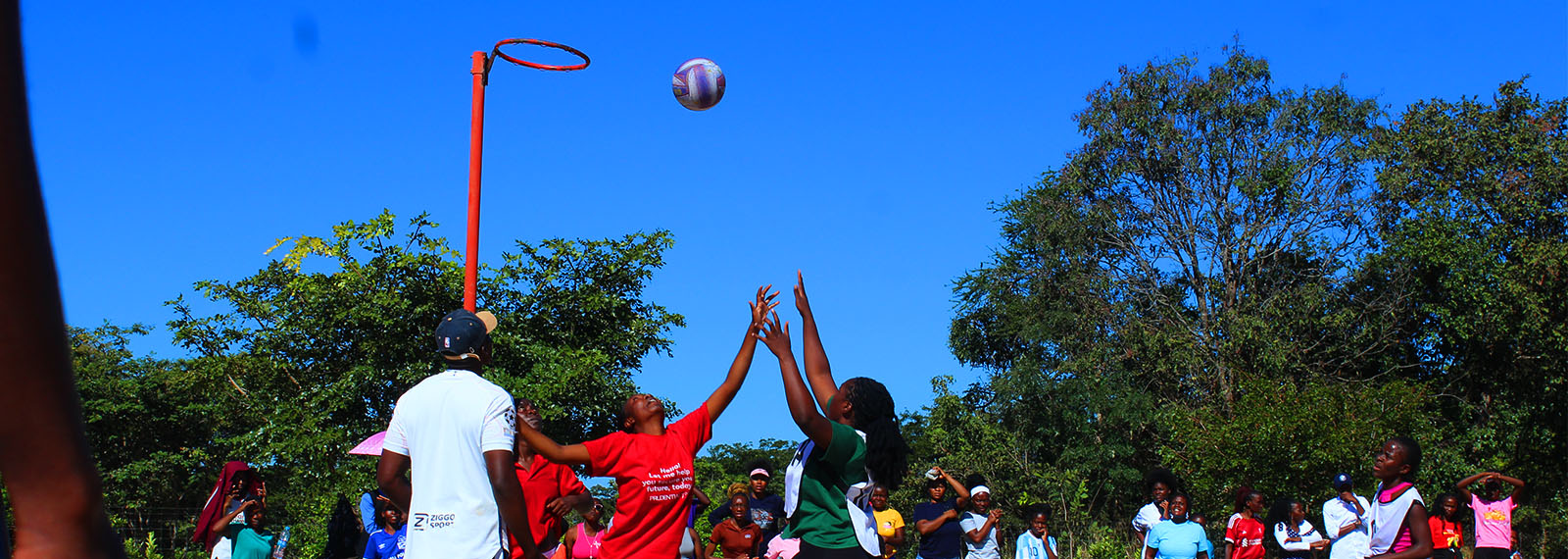
A vibrant sports culture
View Link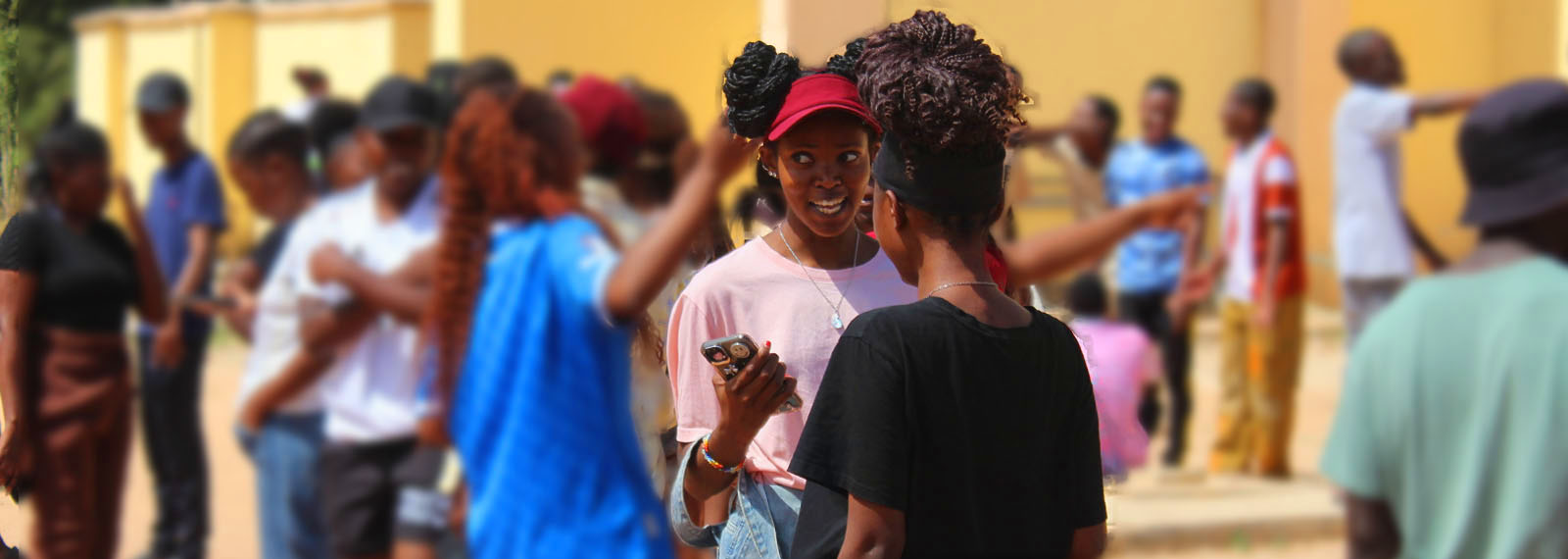
Strong sense of community
View Link
University Open Day on 10th October 2024
KMU Student Cultural Group performing during University Open Day on 10th October 2024. University Open Day is commemorated on 10th October every year in honour of the day Kapasa Makasa University was operationalized.
View Link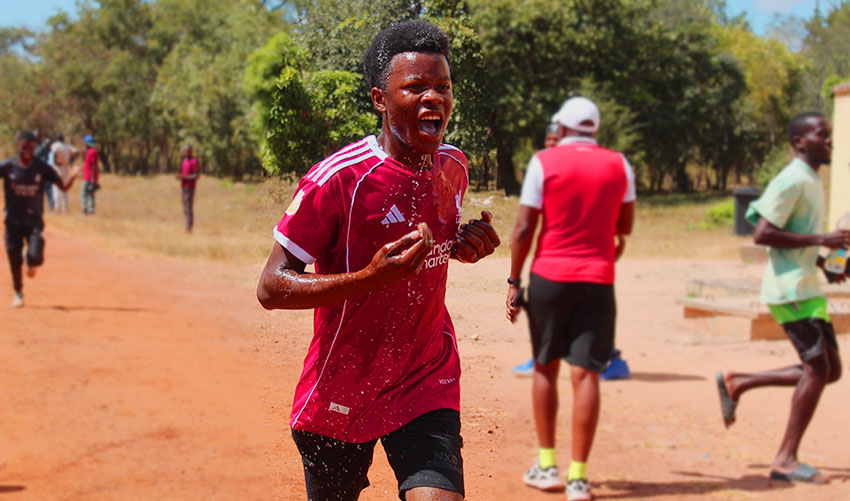
University sports day
The University is committed to fostering a vibrant sports culture that promotes excellence, teamwork, discipline, and student well-being. Through sporting events and competitions, we strengthen our community, celebrate talent, and inspire a spirit of unity and healthy competition.